Driving Licence Status Check + Download 2026 - mParivahan, Sarathi Se DL Kaise Nikale
⚡ 30-SECOND SUMMARY
Guide Overview
Required Documents:
📄 Complete Guide▾
Driving Licence Status Check + Download 2026 - mParivahan & Sarathi
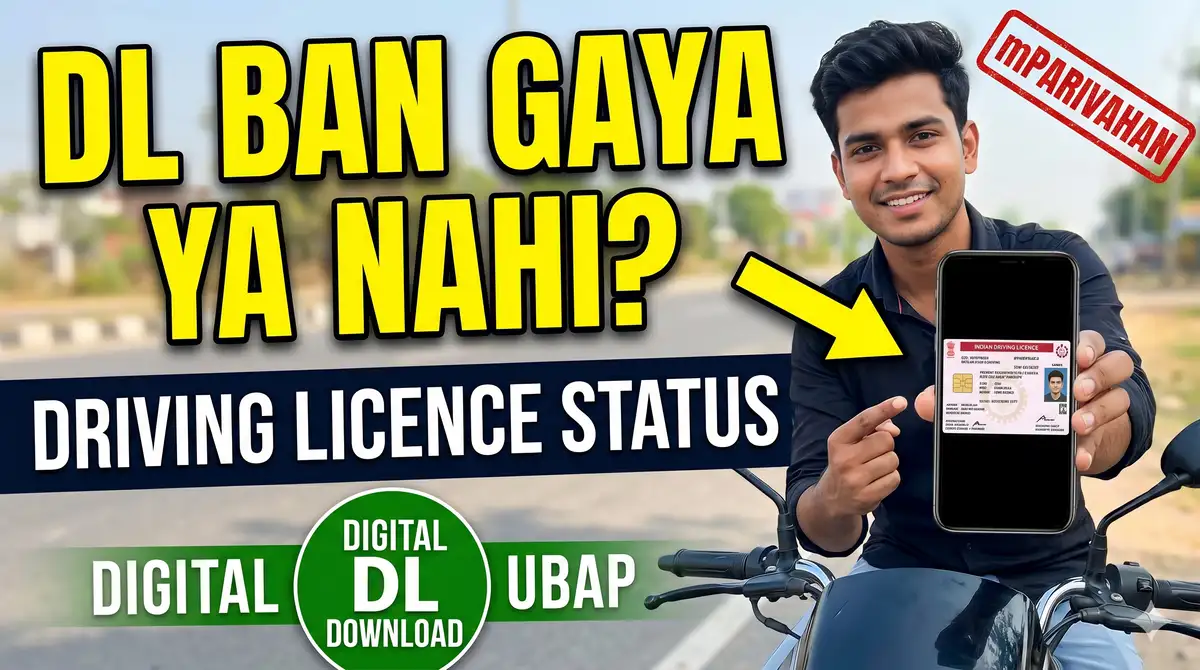
Bhaiyon, driving licence ke liye apply kar diya, ab ban gaya ya nahi? Ya DL number hai par physical card nahi aaya aur chalana hai? Dono problem ka solution online hai. DL application status parivahan.gov.in (Sarathi) pe application number + DOB se check hota hai, aur banne ke baad digital DL mParivahan app/DigiLocker se download kar sakte ho - jo legally valid hai (physical card aane tak chala sakte ho!). Ye page: status check, digital DL download, aur DL details dekhne ka pura process - sab FREE.
Kaam ki baat: mParivahan/DigiLocker pe available digital DL legally maanya hai - traffic police ko bhi yahi dikha sakte ho. Physical card ka wait nahi karna padta.
Quick Info
| Detail | Information |
|---|---|
| Status Check | parivahan.gov.in/sarathi - app number + DOB |
| Digital DL | mParivahan app / DigiLocker |
| DL Details | DL number + DOB se |
| Validity | Digital DL = physical jitna hi valid |
| Fee | Status check bilkul FREE |
DL Application Status Kaise Check Kare? (Sarathi Portal)
- parivahan.gov.in → Online Services → Driving Licence Related Services
- Apna State select karo (Sarathi portal khulega)
- "Application Status" pe click karo
- Application Number + Date of Birth + Captcha daalo → Submit
- DL application ka current status screen pe dikhega (under process / approved / printed / dispatched)
Application number tumhe apply karte waqt mila tha (acknowledgement slip pe). Kho gaya? RTO se ya registered mobile SMS se nikaalo.
Digital DL Download Kaise Kare? (mParivahan App)
- mParivahan app Play Store/App Store se install karo (latest version)
- App kholo → "Add Your DL" / Virtual DL option
- Apna DL number + Date of Birth daalo
- App centralised database se record nikal lega (kuch second me)
- Digital DL screen pe - real-time status, dispatch info + digital copy
DigiLocker se bhi: digilocker.gov.in → "Driving License" → Ministry of Road Transport select → DL number link karo → download. Dono jagah ka DL legally valid hai.
Existing DL Ka Details Kaise Dekhe?
- parivahan.gov.in → Informational Services → Know Your Licence Details
- DL Number + Date of Birth + Captcha daalo
- DL holder ka naam, validity, vehicle class (LMV/MCWG/etc.), RTO - sab dikh jayega
Ye un logon ke liye useful hai jinhe apna DL number to pata hai par card kho gaya ya validity check karni hai.
DL Status Ke Stages (Matlab)
| Status | Matlab |
|---|---|
| Under Process | RTO review/verification kar raha |
| Approved | DL approve - jald print/dispatch hoga |
| DL Printed | Card chhap gaya |
| Dispatched / Sent | Speed post se ghar bhej diya gaya |
| Delivered | Card mil gaya |
Card Nahi Aaya / Status Atka Hai? - Kya Kare
- Approved par card nahi aaya: mParivahan/DigiLocker se digital DL download karke use karo (valid hai)
- Dispatched par 15+ din ho gaye: speed post tracking number RTO se lo, ya RTO me jaake pata karo
- Status "Under Process" me atka: biometric/test/document verification pending ho sakta - RTO se confirm karo
- Detail galat hai: RTO me application ke saath correction request do
Scam Warning
- "DL ghar baithe banwa dete hain, bina test ke - Rs 3000" wale agents - FRAUD + illegal. DL test + RTO process zaroori hai.
- Fake "parivahan" apps/sites OTP/payment maangne wale - sirf official parivahan.gov.in + mParivahan app (govt) use karo.
- Status check + digital DL download bilkul FREE hai - koi "download fee" maange to scam hai.
DL Status Check FAQs
Q: Driving licence ban gaya kaise pata kare? A: parivahan.gov.in → Sarathi → Application Status → application number + DOB. Ya mParivahan app me DL number daalke real-time status.
Q: Physical DL card nahi aaya, kaise chalaun? A: mParivahan/DigiLocker se digital DL download karo - ye legally valid hai, traffic police ko dikha sakte ho. Card ka wait nahi.
Q: DL application number kho gaya? A: Apply karte waqt registered mobile pe SMS aaya tha, ya RTO se acknowledgement se nikaalo.
Q: DL status check ki fee hai? A: Nahi - status check aur digital DL download dono bilkul FREE @parivahan.gov.in / mParivahan.
Q: DL dispatch ho gaya par mila nahi? A: RTO se speed post tracking number lo, ya RTO visit karo. Tab tak digital DL use karo.
Q: Digital DL legally valid hai? A: Haan - mParivahan/DigiLocker ka DL physical card jitna hi valid hai (MoRTH ne confirm kiya hai).
Ye Bhi Zaroor Padhein
- International Driving Permit (IDP) 2026 - Videsh me gaadi chalane ka permit
- e-Challan Check + Pay Online 2026 - Vehicle number se traffic challan status + pay
- Bihar Driving Licence Apply Online Guide - Learner se permanent DL tak
- Driving Licence Renewal Online - Expire ho gaya to renew karo
- RC Online Download (Vehicle Registration) - Gaadi ka RC nikaalo
- Aadhaar Card Download + Update - DL ke liye Aadhaar zaroori
- Bihar Utility Guides - Aur sarkari online services
- Commercial Driving Licence Aur PSV Badge - transport gaadi ke liye
Source: Parivahan official (parivahan.gov.in, Sarathi + mParivahan). Verified 13 June 2026.
Bhai, DL card aane me time lagta hai par tumhe rukne ki zaroorat nahi - approve hote hi mParivahan se digital DL nikaalo aur gaadi chalao, ye poori tarah legal hai. Aur kabhi bhi "bina test DL" wale agent ke chakkar me mat aana - wo fake hota hai aur pakde jane par mehenga padta hai.
🔗 IMPORTANT LINKS
Is Page ka Author
Abhishek - SkillUP Bihar
Govt Services & Documentation Guide
Content Writer. Official govt sources se verified content likhta hai. Bihar sarkari naukri focus. Har page kam-se-kam 2 official sources se cross-verified.
Verified by Md Saiyad Ali - Founder & Content Researcher